
Inbox zero for your Photos library.
LightRoll turns your Apple Photos library into a clear review queue: keep what matters, mark what can go, and confirm deletion only when you are ready.
One-time purchase. No subscription. See pricing details.
- Work through the “À trier” queue
- Sort by size when storage matters
- Confirm before Photos deletes
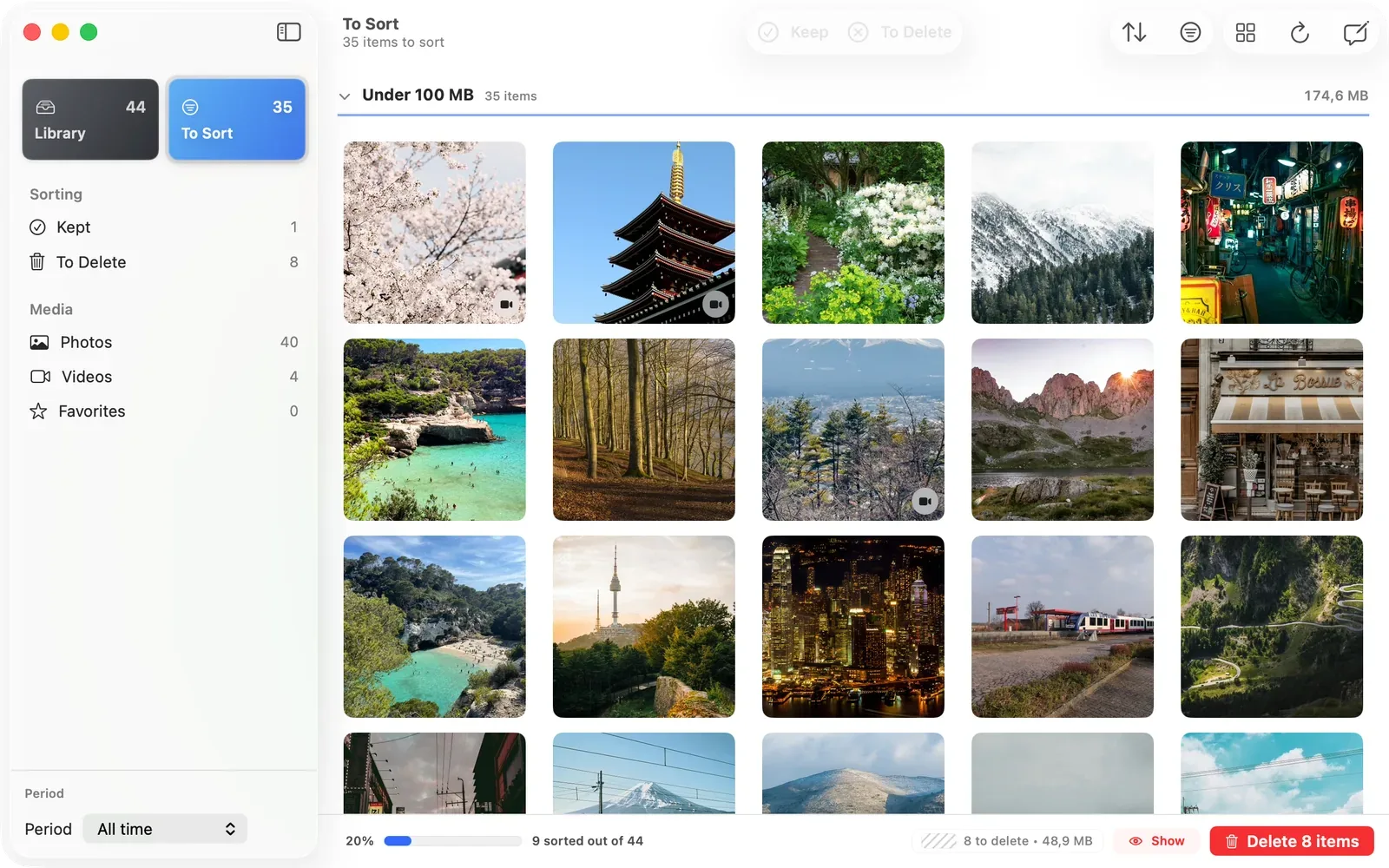
Work through the queue
The À trier view shows what is left, what you have kept, and what is marked for deletion, so cleanup becomes a finite queue instead of an endless library.
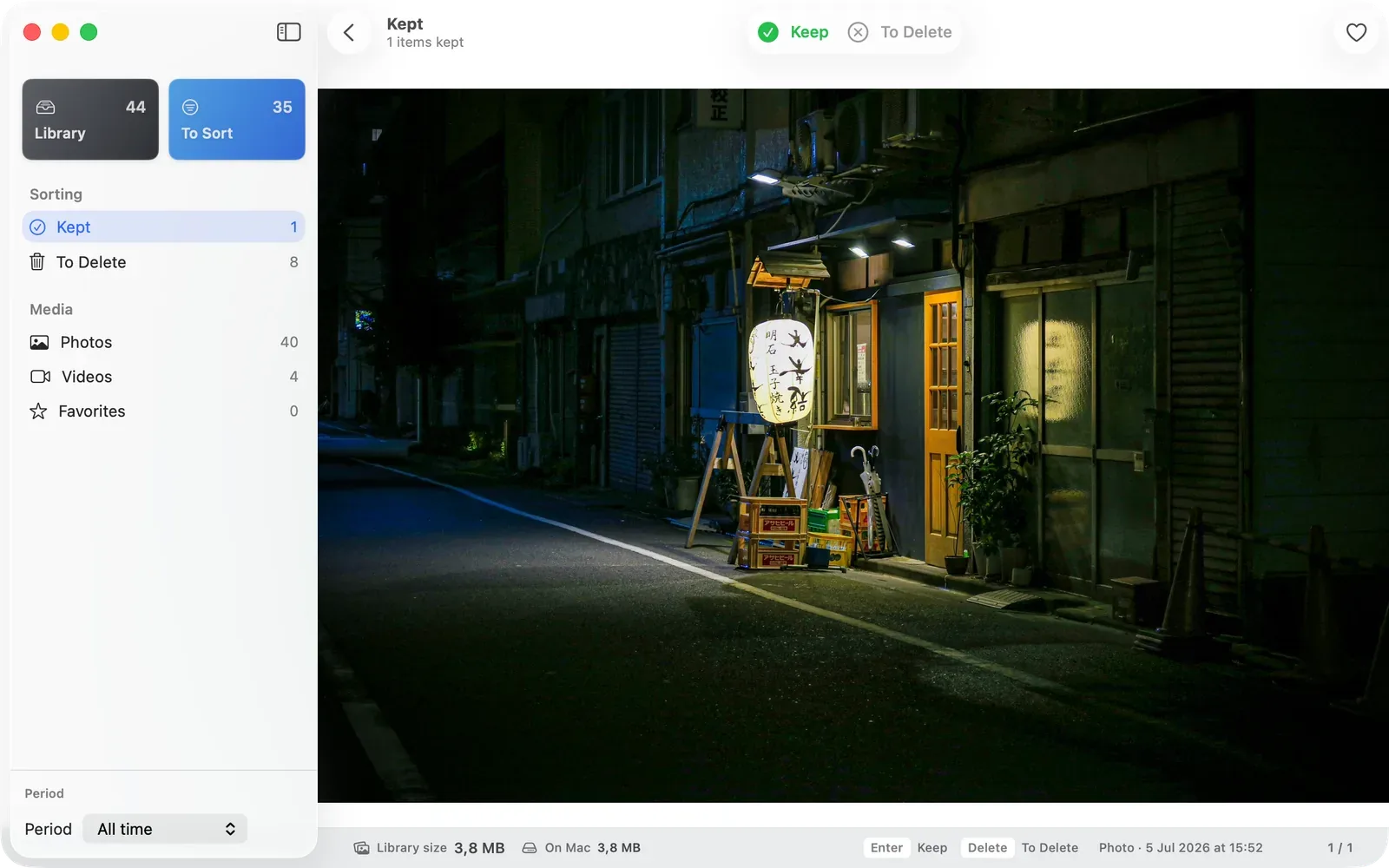
Keep or mark for delete
Move through each item with one clear decision. Nothing is removed from Photos while you are still reviewing.
Keyboard-ready on Mac
Keep, mark, and advance without leaving the keyboard. The queue is built for repeated review, not one-off cleanup.
Sort by size when storage matters
Biggest files stays available as a practical lens for freeing space, but it supports the review queue instead of becoming the whole product story.
Largest files first
Videos and high-resolution photos rise to the top when disk space is the immediate problem.
Storage context stays visible
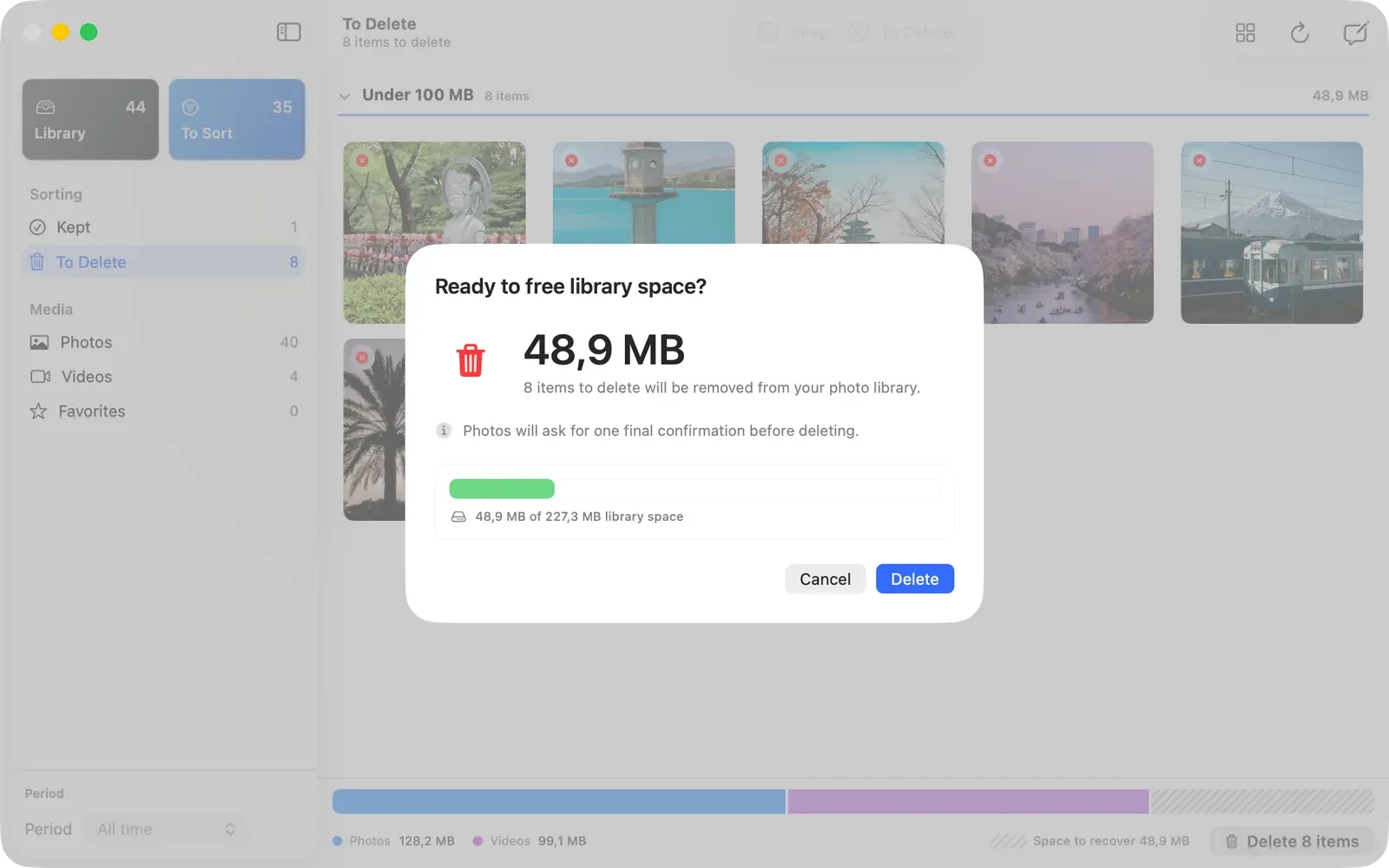
The review surface keeps library size and selected deletion space visible while you decide what to keep.
Local by default
Safety and privacy stay visible in the workflow instead of being hidden in fine print.
Confirm every delete batch
Review what will be deleted before you approve the batch. PhotoKit deletion is a final Photos action, not a Cmd-Z undo.
No photo uploads
Your photos, videos, filenames, and library contents stay on your Mac.